One search across everything
Press ⌘ K or Ctrl K to search open tabs, workspaces, saved sessions, and browser bookmarks from one ranked index.
 TabSyn
Get TabSyn
TabSyn
Get TabSyn
Your browser, finally in sync
Turn every new tab into a calm, private command center for the pages, projects, and sessions that move your day forward.
14-day TabSyn Pro trial · No card required · Local mode included
/ A better starting point
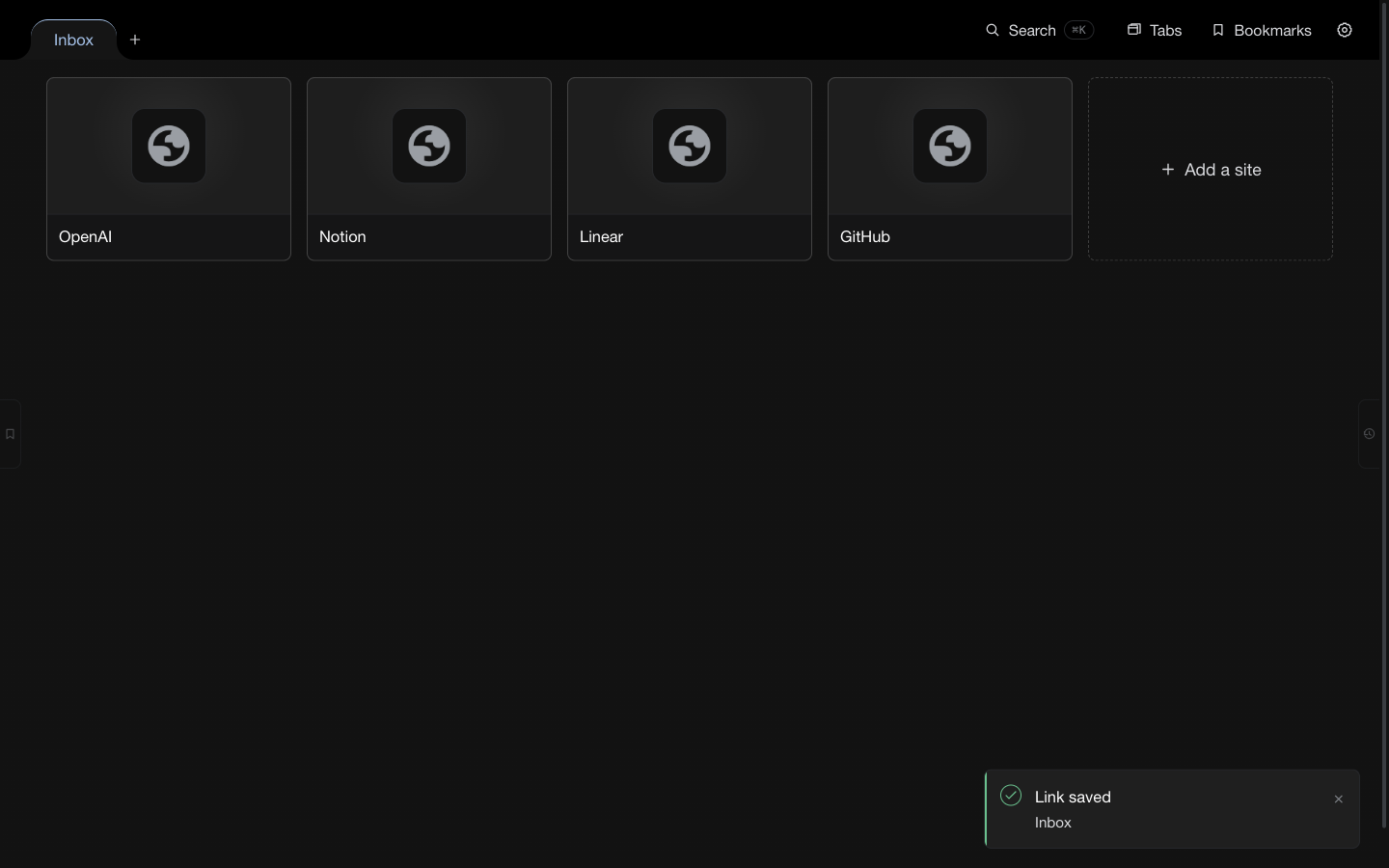
TabSyn brings visual bookmarks, active tabs, browser bookmarks, and saved sessions into one fast new tab page.
Organize what matters, recover what you closed, and move between projects without rebuilding your context every morning.
/ The product
Live product · Speed Dial
/ Everything in its place
Every feature reduces the distance between “I had that open” and “I’m back in the flow.”
Press ⌘ K or Ctrl K to search open tabs, workspaces, saved sessions, and browser bookmarks from one ranked index.
Save sites as visual cards, drag to reorder, open a whole group, and organize tabs into color-coded spaces for work, research, or home.
Save a browser window as a named session, revisit timeline snapshots, restore a previous point, and reopen recently closed tabs.
Browse native bookmark folders, create and move items, switch views, and bring a bookmark into a focused TabSyn workspace.
Use a favicon, upload an image, link one, or capture a live page screenshot. Refresh every preview in a group with one action.
Label links once, filter by one or many tags, and save useful filters as collections you can return to in a click.
Save the current page from the toolbar popup, capture its preview, or use shortcuts and the context menu without breaking focus.
Count and select duplicate tabs, keep the pinned copy, and clean up URL variants without touching private or browser pages.
Create, export, restore, and delete local backups. Before a restore, TabSyn creates a safety copy so rollback stays reversible.
Choose columns, grid width, spacing, card ratio, ordering, labels, visit counts, backgrounds, group colors, and which edge drawers appear.
/ Private by design
TabSyn works locally without an account. Browser-library access is optional and requested only when you choose the feature that needs it.
Local first
Your data
/ Simple pricing
TabSyn Pro · Annual
per year · billed annually
Start 14-day free trialNo card required for the trial.
EVERYTHING IN TABSYN PRO
Prefer to stay local? The visual dashboard, workspaces, bookmarks, sessions, search, thumbnails, and backups work without an account.
/ Questions, answered
STILL HAVE A QUESTION?
Send a question or share feedback. We may reply to the email address provided.
TabSyn is a Chrome new tab extension that combines a visual Speed Dial with workspaces, live tab management, saved sessions, browser bookmarks, search, and backup tools.
Yes. The core dashboard and local organization tools work without an account. Sign in when you want TabSyn Pro cloud sync and multi-device features.
TabSyn Pro includes encrypted cloud sync, session history, advanced restore, and device management for up to three active devices.
TabSyn stores data locally by default. When cloud sync is enabled, it is packaged into an encrypted vault before it leaves the extension.
No. Access to browser bookmarks, recently closed tabs, top sites, and remote image hosts is optional and requested only when you choose those features.
Yes. You can export your data, keep stored backups, restore an earlier state, and remove your local information at any time.
/ Your next tab
Give your browser a clean starting point — and every project a place to return to.
Add TabSyn to Chrome